A listening system for music you own.
Fidelia for Mac and iPhone — bit-perfect output, mastering-grade DSP, Audio Unit slots in the listening path, CarPlay on the road, and Bridge keeping both in sync over your own Wi-Fi. Pay once. No subscription.
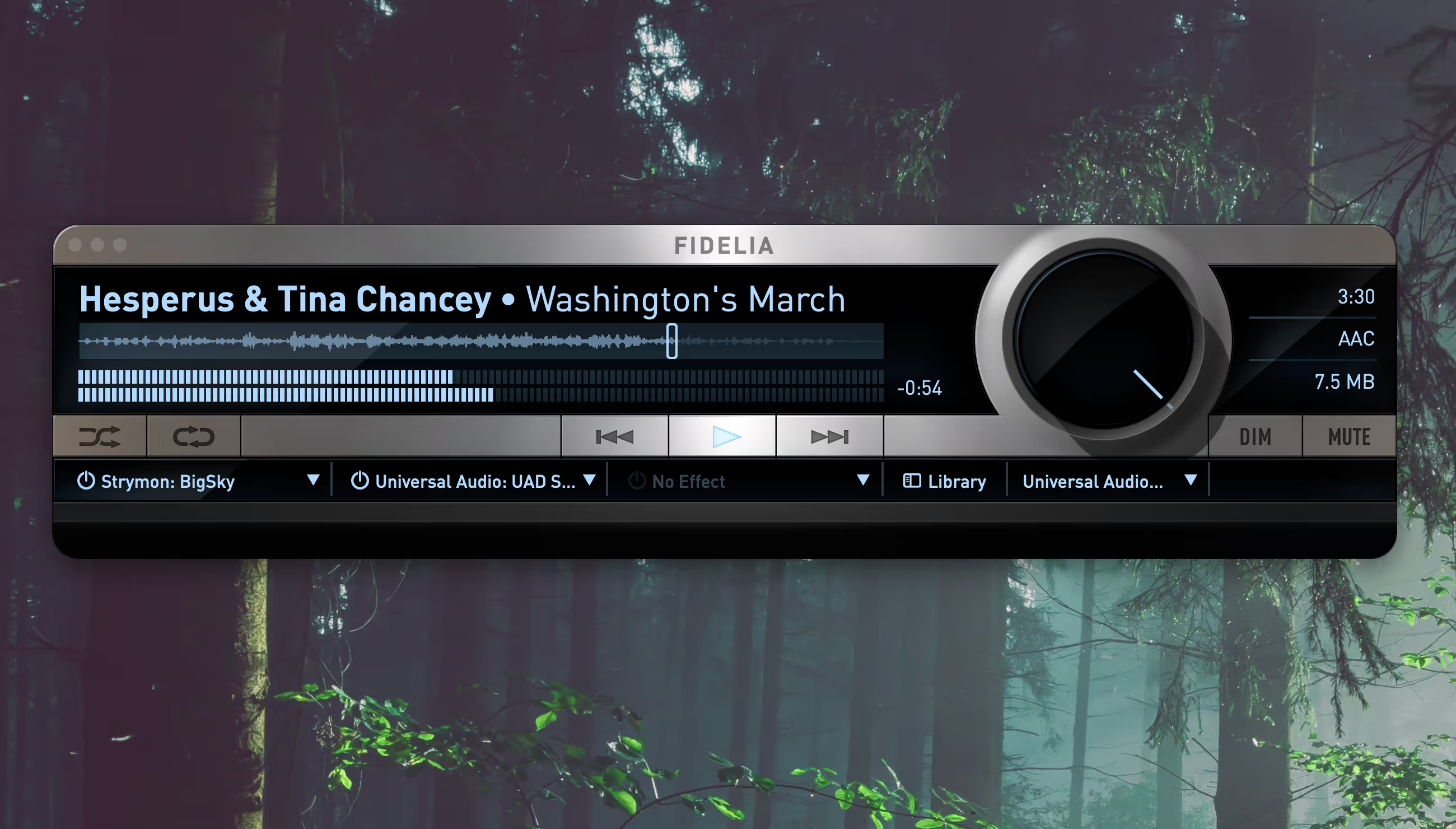
Your music, on your Mac.
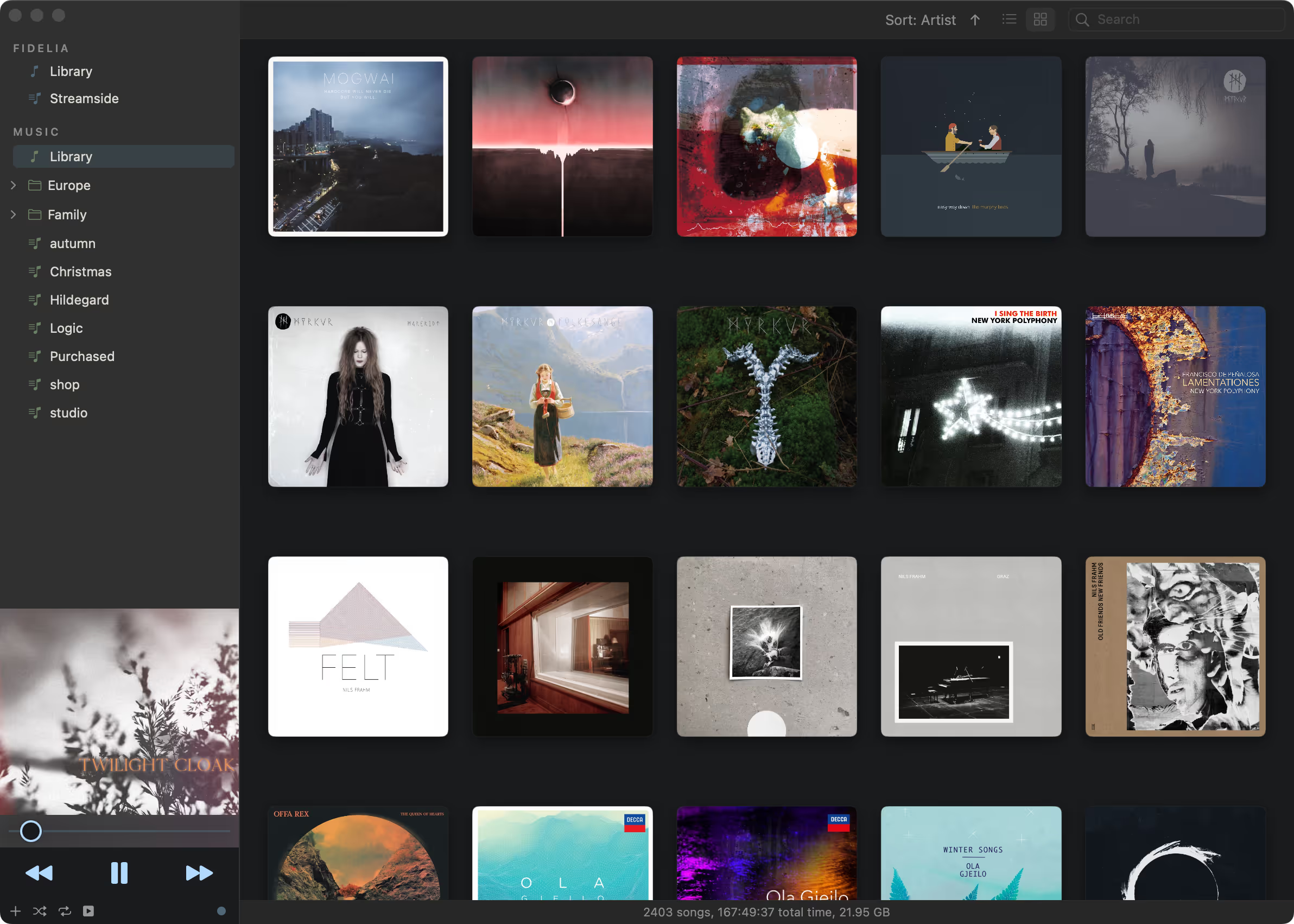
Built for listeners who keep their music. Browse your whole collection as a clean wall of cover art — no clutter, just the records — or a detailed list. FLAC, ALAC, DSF (DSD), APE, and more, or your local Apple Music library.
- Album Wall · List
Two views of one library: a wall of album artwork, and a list with the file detail (format, sample rate, bit depth) alongside each track.
- FLAC · ALAC · DSD · APE
Lossless and high-resolution formats Fidelia plays natively: FLAC, Apple Lossless, DSD, and Monkey's Audio, alongside WAV and AIFF.
- Apple Music library
Fidelia reads the library kept in Apple's Music app and plays its local files through Fidelia's own engine.
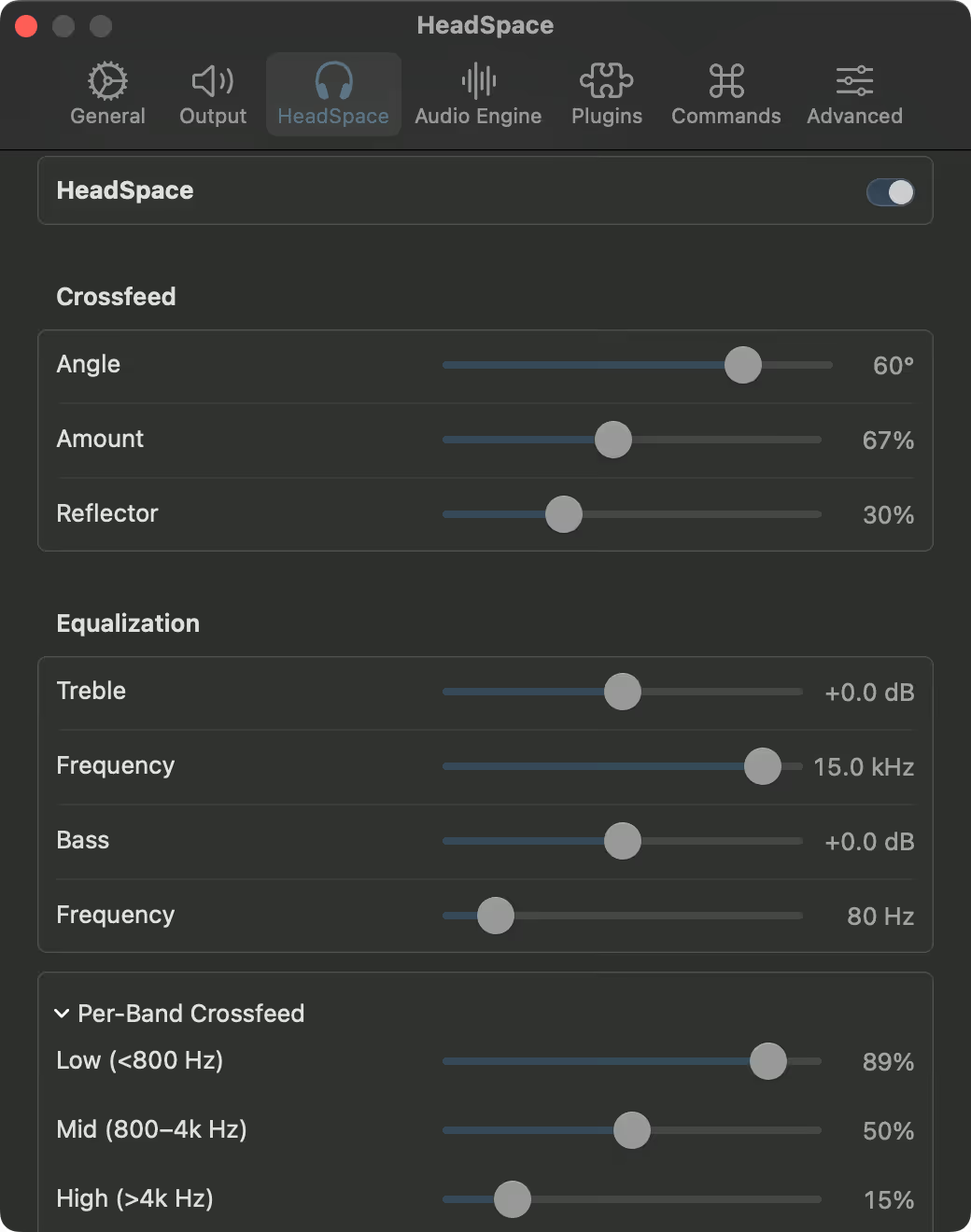
HeadSpace, SRC, and dither.
Headphone processing with frequency-dependent crossfeed modeled on real head acoustics, sample-rate conversion, and final-stage dither sit in the listening path. No DAW or outboard processing required to shape the chain.
- HeadSpace
Fidelia’s crossfeed processor. Blends the channels the way speakers interact in a room, with adjustable angle, amount, and reflection, so headphones image naturally.
- Reference SRC
Mastering-grade sample rate conversion. When a rate has to change, the conversion is transparent rather than an afterthought.
- Pro Dither
Word-length reduction done properly. When bit depth must come down, dither preserves low-level detail instead of truncating it.
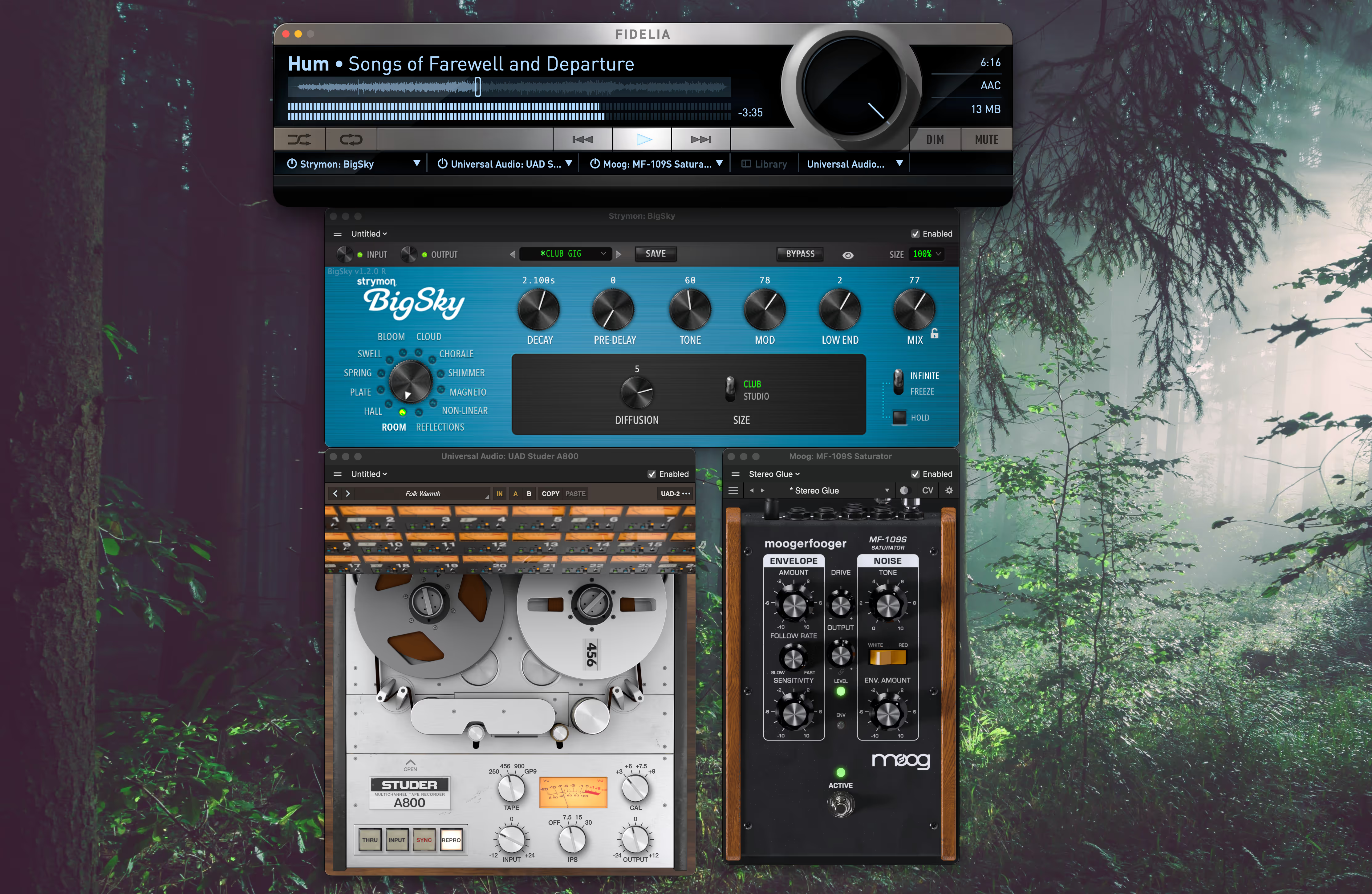
Three Audio Unit slots in the listening path.
Host three AU effects inline. Audition masters through a familiar chain, monitor through the plugins you trust, or check a mix without opening a session. Fidelia Remote controls the chain from the listening position.
- Three AU slots
Three insert slots for Audio Unit plugins in the playback path: headphone EQ, room correction, crossfeed, or whatever the rack calls for.
- Monitoring · preview
The AU chain works while auditioning: monitor through the plugins you trust, or preview a master through a familiar chain.
- Fidelia Remote
The companion app for iPhone and iPad. Controls Fidelia from the listening position over the local network. Free on the App Store.
A clean path from file to DAC.
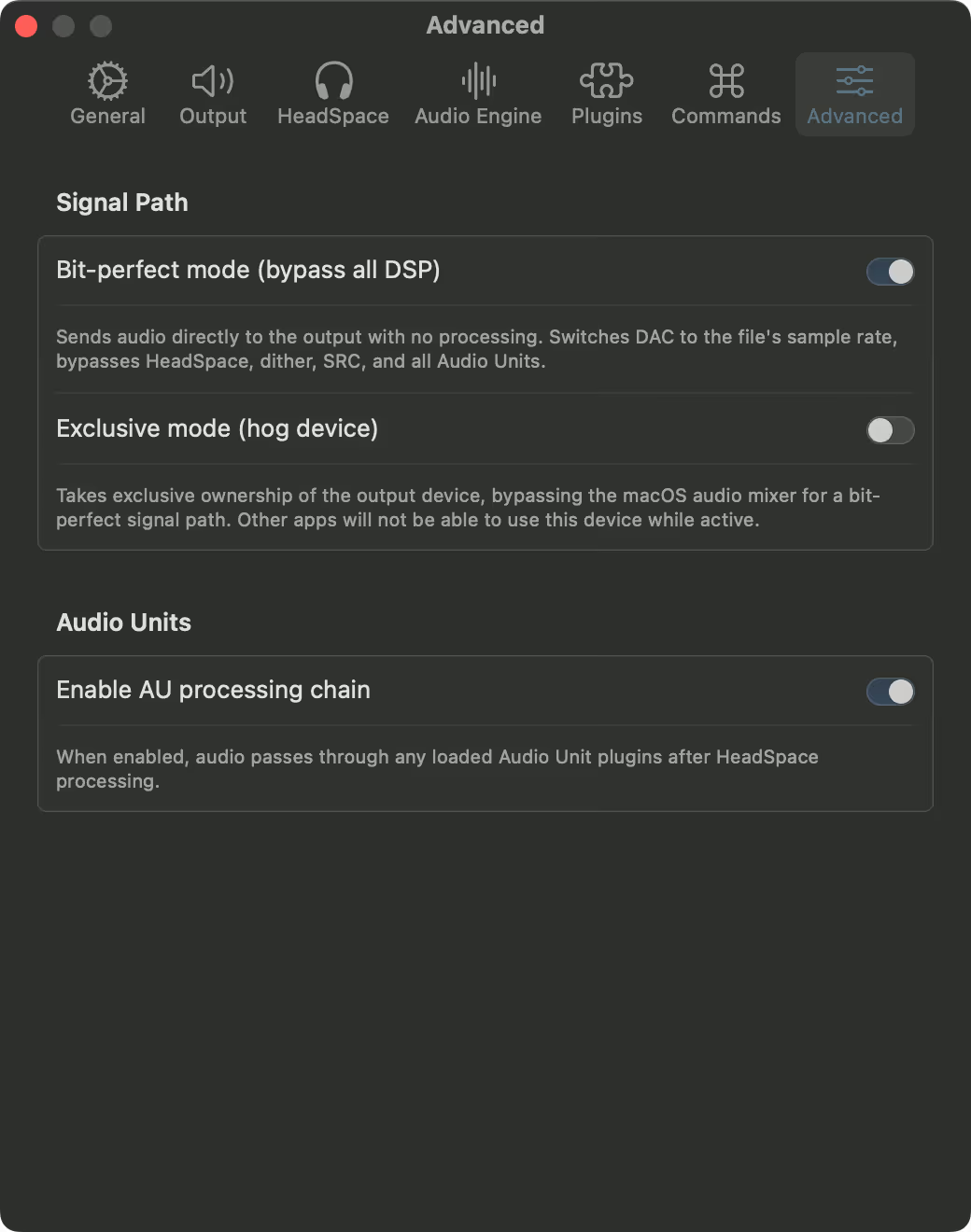
Bit-perfect and exclusive playback. Sample rate follow. The Mac stops behaving like a streaming box and starts behaving like a boutique hi-fi.
- Bit-perfect · exclusive
Playback that reaches the DAC untouched. Exclusive mode takes direct control of the output device, bypassing the system mixer and its resampling.
- Sample rate follow
The output device follows each file’s native rate automatically. No manual switching, no hidden conversion.
- Predictable signal path
Every stage between the file and the DAC is explicit: what plays, at what rate, through which output. Nothing resamples behind your back.
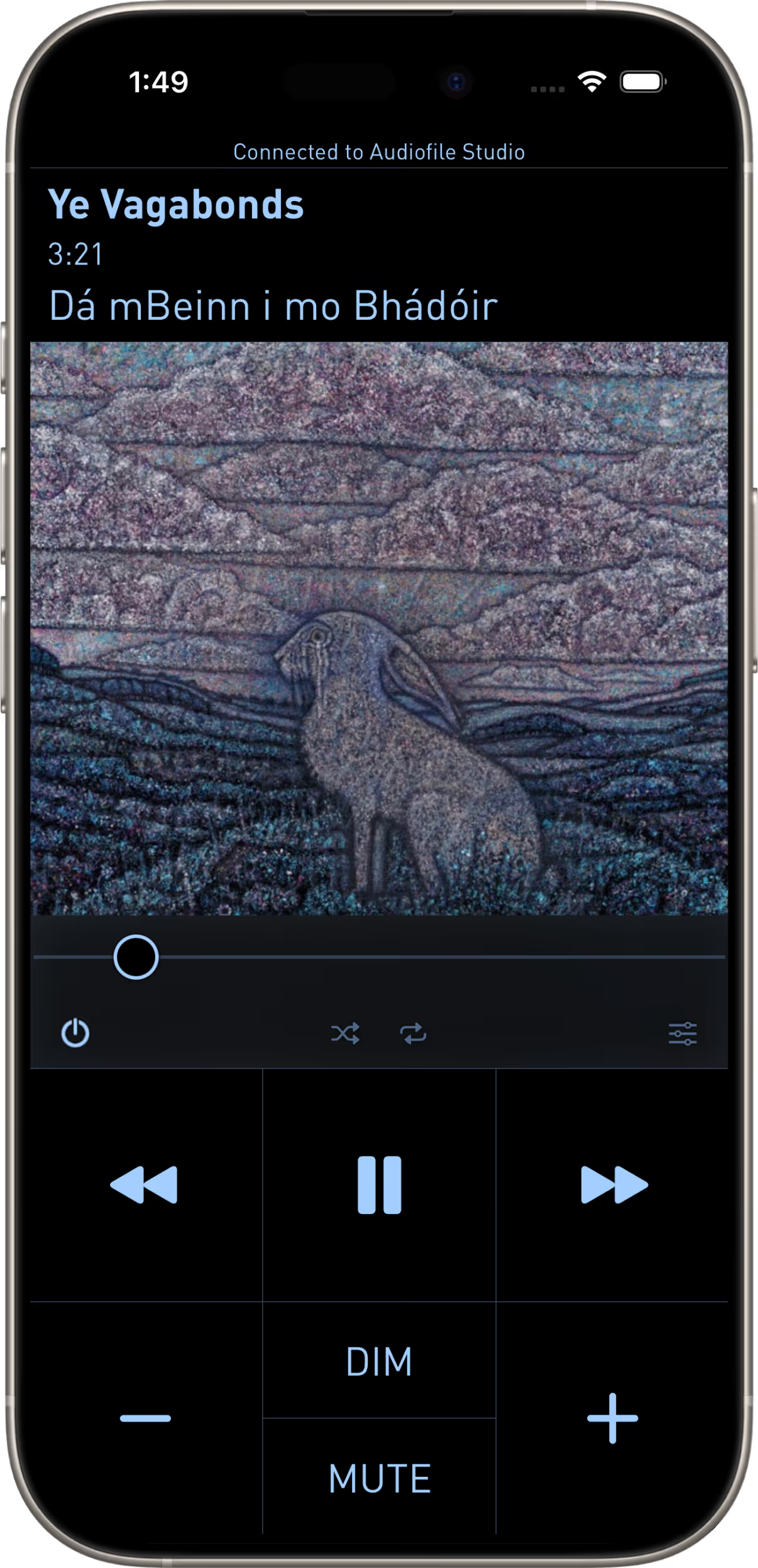
Fidelia Remote on iPhone.
A companion app. Control transport, library, volume, and even the AU effects from where you actually listen — not at the keyboard.
- iPhone · iPad
Fidelia Remote is one native app, sized for both iPhone and iPad.
- Local network
Remote pairs with Fidelia over your own network. No account, no cloud; control stays in the room.
- Free on App Store
Fidelia Remote is a free download on the App Store. No account, no in-app purchases; it pairs with the Fidelia player on the Mac.
Plays from your server. Plays to your streamer.
Fidelia speaks Lyrion (Squeezebox) and plain UPnP: libraries served by Lyrion, MinimServer, or Universal Media Server sit in the app beside your local files — one search, one player, on the Mac and on iPhone alike.
And with the Network module, any UPnP/DLNA renderer on your network becomes a Fidelia output — WiiM, Naim, Denon, and FiiO are among the boxes it runs against in the field, and software endpoints like HQPlayer’s renderer input work the same way. Your whole processing chain rides along, and gapless stays gapless.
See how that compares to Roon and Audirvana“There is nothing that looks or works like Fidelia.”
“What matters most is having an audio player that plays back my signal accurately and without coloration. As someone working in a recording studio, that is extremely important to me. I honestly don’t think there is any comparable tool out there.”
— Raffael Gruber, Austria
“Uso Fidelia hace más de 10 años, y sólo puedo decir que es el mejor reproductor de audio para MacOS. El sonido, poderoso, sedoso y analítico sin sobresaltos.”
— nodata80, Chile
“I’ve been using this player for years, and it has no equivalent.”
— JnCmbn, France
For reviewers.
Open the Fidelia press kit, or write directly for review codes.
Fidelia support.
Setup notes, troubleshooting, and help articles for Fidelia.
Open Fidelia help